Project intake
Confirm scope, standards, shop preferences and release priorities.
Structural steel detailing
High-quality shop drawings and erection plans developed around the practical needs of steel fabricators and erectors.
Our process
A controlled drawing-office workflow built from fabrication and erection experience.
Anatomic Iron's management team brings practical experience in steel detailing, fabrication and erection. The process is built around the needs of the fabricator and erector, with one objective: produce accurate shop drawings and erection plans that eliminate questions before they affect production or site work.
Comprehensive production manuals, internal reviews and structured information flow create consistent output across complex projects.
Confirm scope, standards, shop preferences and release priorities.
Establish grids, zones, sequences and coordination responsibilities.
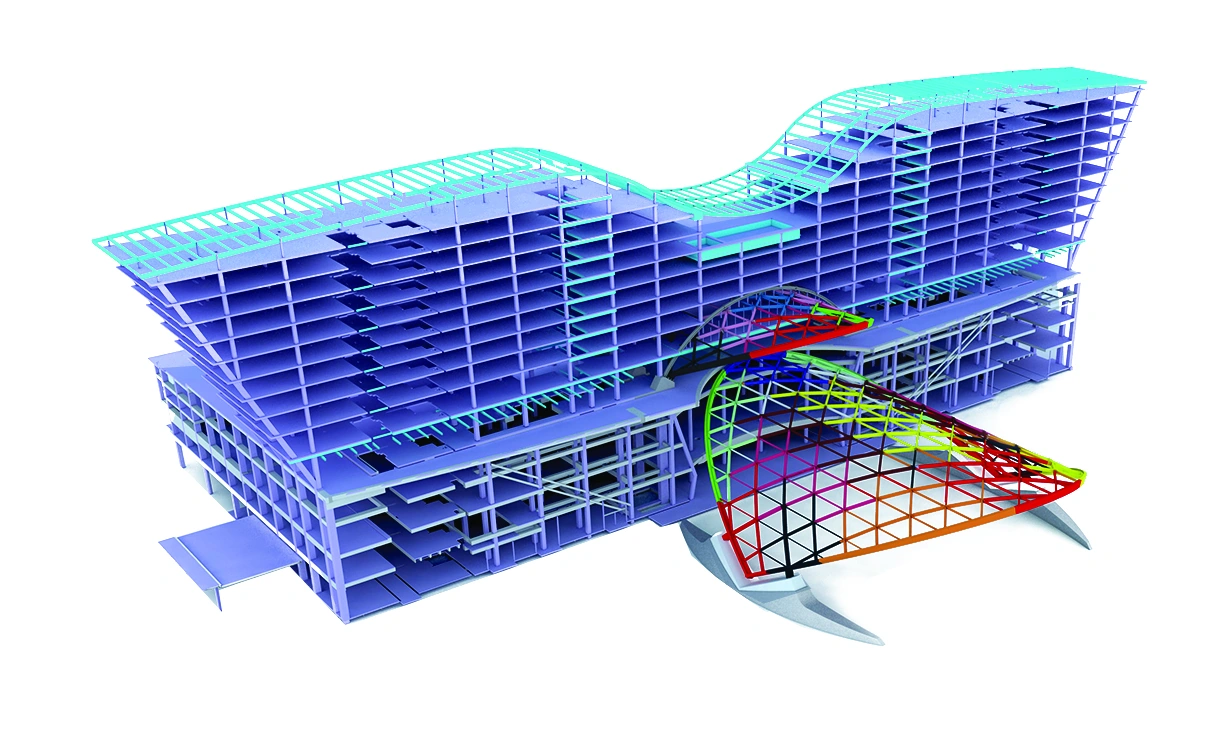
Develop the fabrication model in Tekla Structures or SDS2.
Track RFIs, design decisions and model comments in one workflow.
Check geometry, connections, piece marks and drawing completeness.
Issue fabrication packages aligned with shop and erection zones.
Information management
Clear questions, visual context and visible status reduce response time and protect shop production.
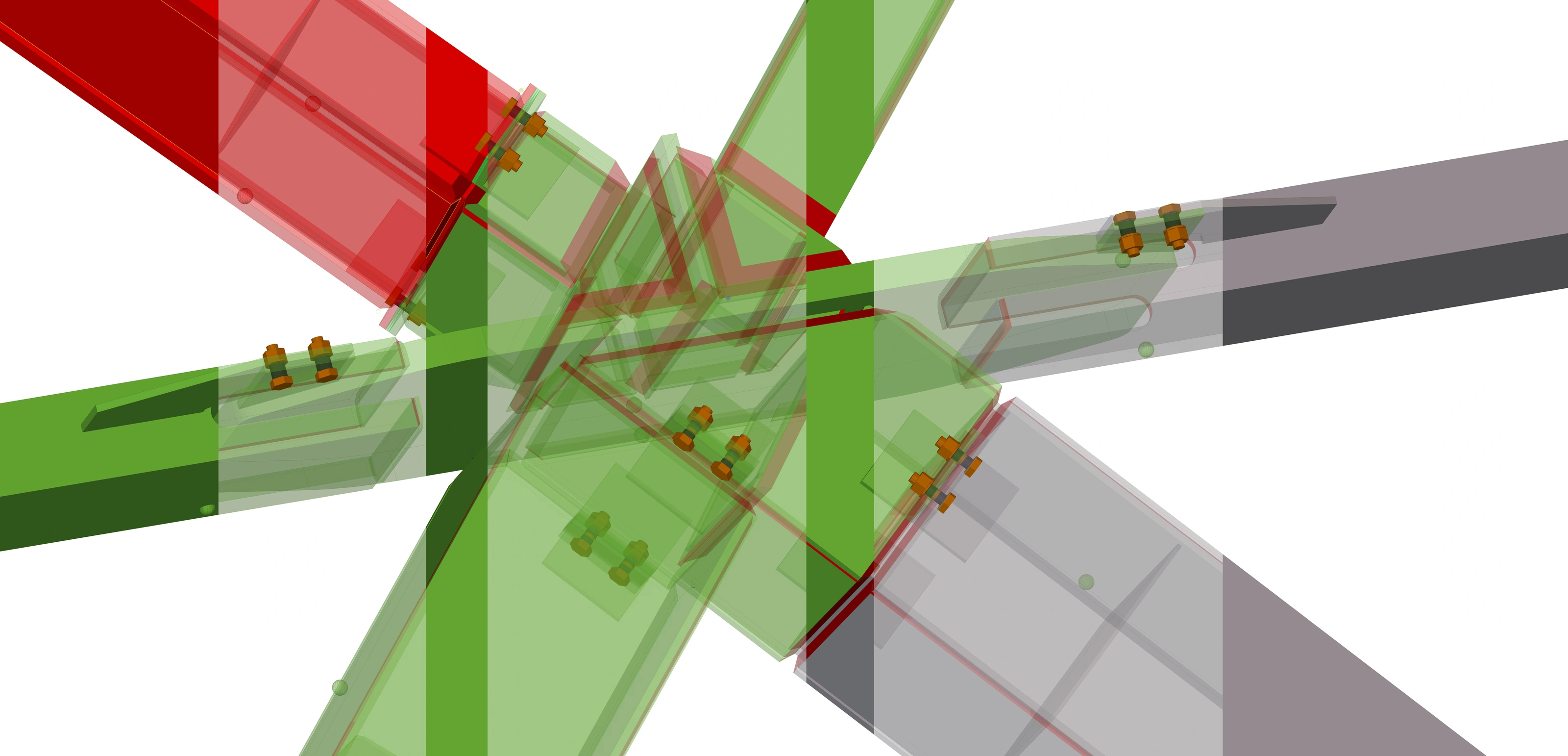
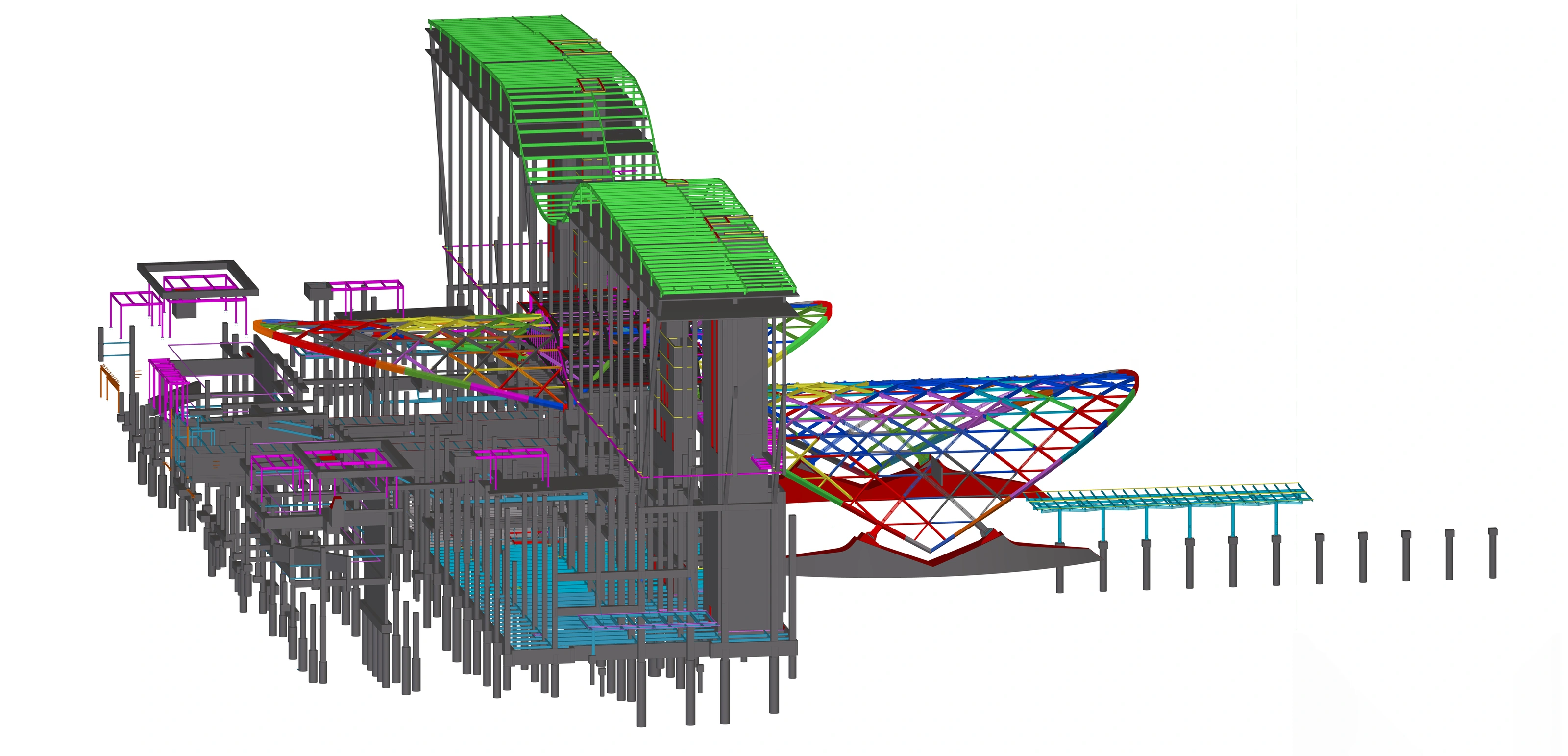
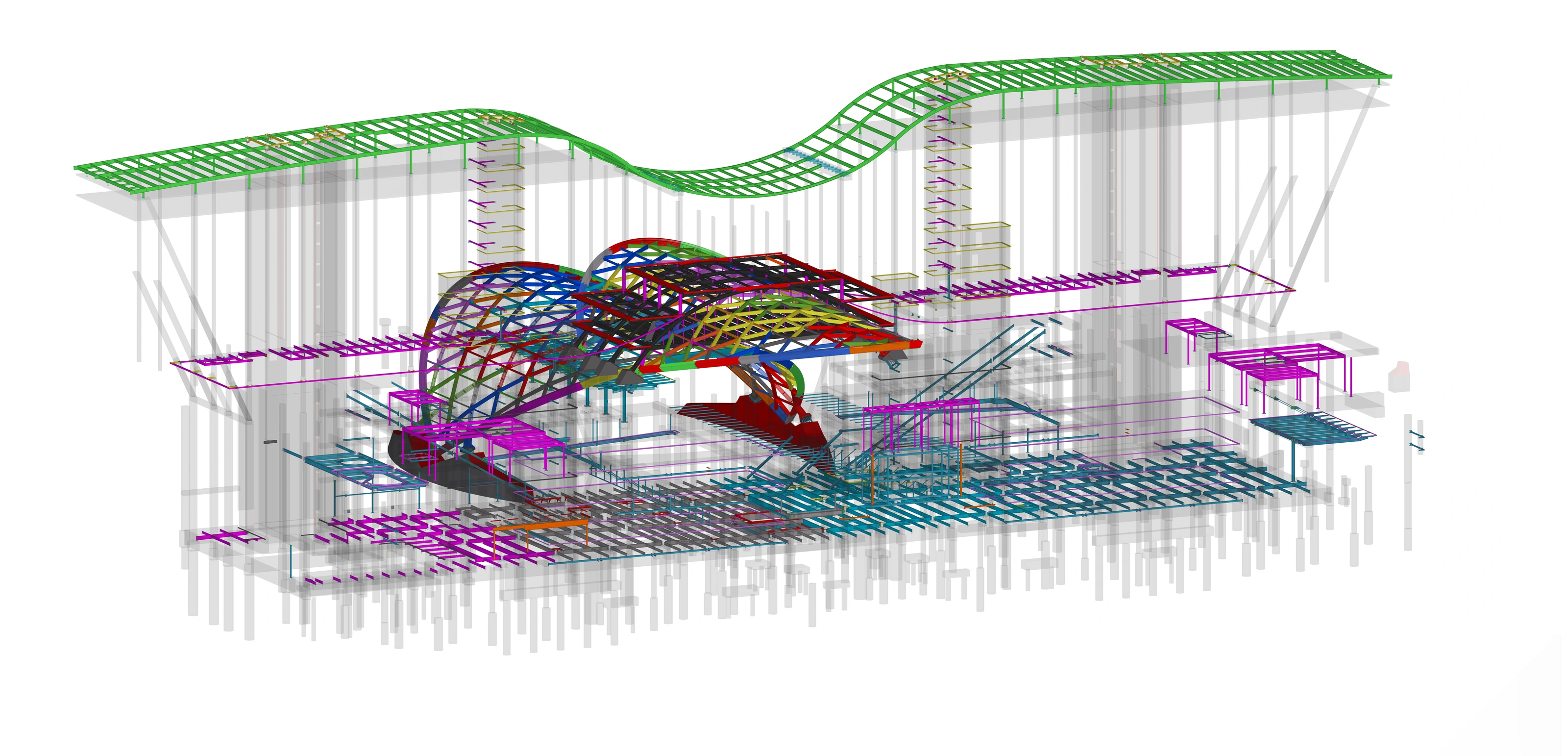
Visual RFI documentation
Each request records the condition, responsible party and approved response before the information is incorporated into the detailing model.
Isolate the affected members, connection or interface.
Attach model views and a concise description of the required decision.
Retain the response, ownership and effect on the release sequence.
Apply the approved information and complete the relevant quality check.
Drawing office procedure
Each zone advances through defined modeling, checking and drawing stages. A failed check returns the work to the responsible stage before release.
The initial model also feeds erection planning. The anchor-bolt check feeds shop drawings, and both shop and erection information feed the presentation and clarity review.
Model and verify. Columns, anchor bolts, primary steel and light structural steel are modeled and checked by zone.
Detail and document. Connections, AISC/CISC conformity, shop drawings and erection plans are developed from the coordinated model.
Review and release. Drawing presentation and clarity are checked before the zone is issued for approval.
Incorrect information returns to the responsible modeling or drawing stage. This closed-loop process keeps fabrication and erection information coordinated before release.
Selected projects
Complex structures where model intelligence and disciplined detailing support successful fabrication.
Start a conversation
Discuss project scope, schedule and coordination requirements with our detailing team.
Contact our team